Many debtors who are willing to resolve a balance abandon the process when asked to register for an account, create a password or read a 16-digit card number aloud at work. CollectPlus 12 gives debtors four direct ways to pay—by text or email link, by QR code on a letter, by a short phone code, or inside the full debtor portal.
1. Payment links by text message or email
Collectors can send a payment link from the debtor's record, from an account, from a task or from a specific installment in a payment plan—or send links in bulk through a document batch.
- No login required. The link opens the Pay Now page for that debtor or installment directly in the phone's browser, showing only what is needed to complete the payment.
- Live balance verification. CollectPlus recalculates the balance when the debtor opens the link and again when the payment is submitted, preventing overpayments or double charges if a payment already posted.
- Valid for up to 90 days. Short links fit cleanly inside an SMS message and remain active for up to 90 days so a debtor who waits until payday can still use the same message.
2. QR codes on printed letters and PDFs
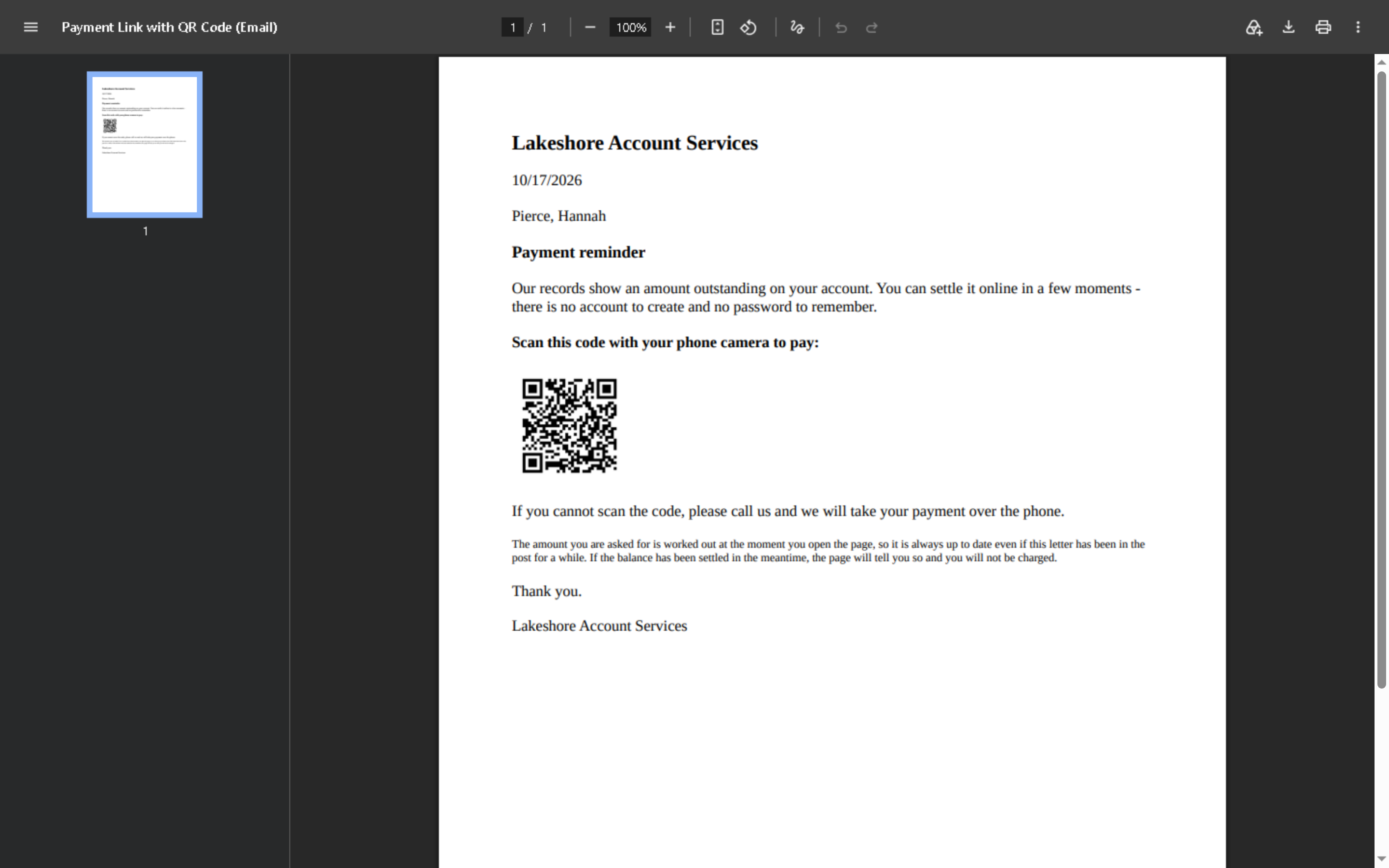
Printed letters remain essential for initial notices and settlements, but asking a consumer to type a web address and look up an account number adds friction. By placing a CollectPlus QR code field on your Microsoft Word letter templates, any letter—printed or converted to PDF—lets the debtor point their phone camera at the page and land directly on the Pay Now screen with the current balance calculated on the spot.
3. 8-digit phone codes during live calls
When a collector reaches a debtor by phone and the debtor prefers not to read their card number out loud, the collector can generate an 8-digit code on screen and read it to the debtor. The debtor enters the code on your payment page and pays by card while on the line. Each code works once, expires after 10 minutes, and locks out repeated wrong attempts.
4. Two-way text messaging and STOP opt-outs
Effective text-to-pay depends on clean opt-out handling and visibility across your team:
- Full conversation on the timeline. Outbound text reminders and inbound debtor replies appear in the same interaction timeline as calls, letters and emails.
- Automatic STOP opt-out. When a debtor texts
STOP, CollectPlus marks the number opted out and skips it in both individual messages and scheduled document batches. - Direct processor deposits. Card payments go through your agency's own Authorize.Net, NMI or Clover account and post directly to the debtor's record and trust ledger.